Keep怎样清除无用的课程
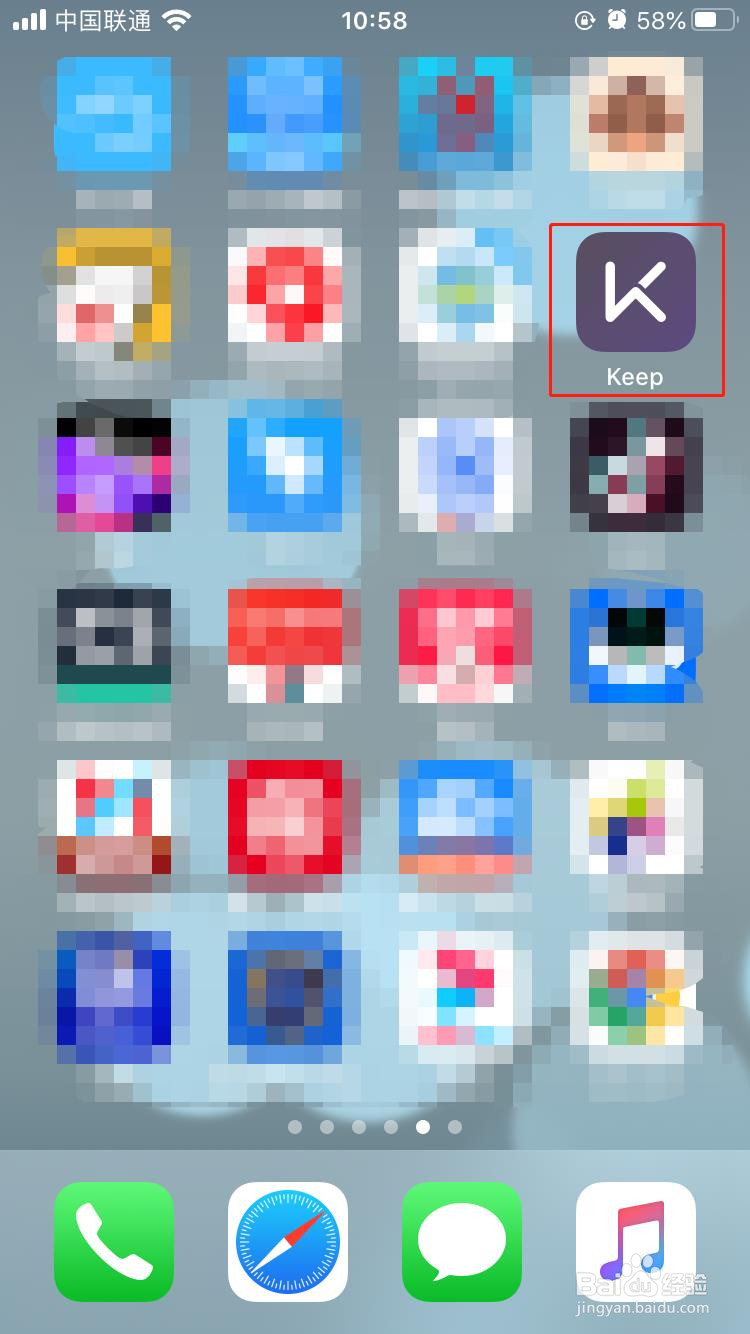
1、1.打开Keep
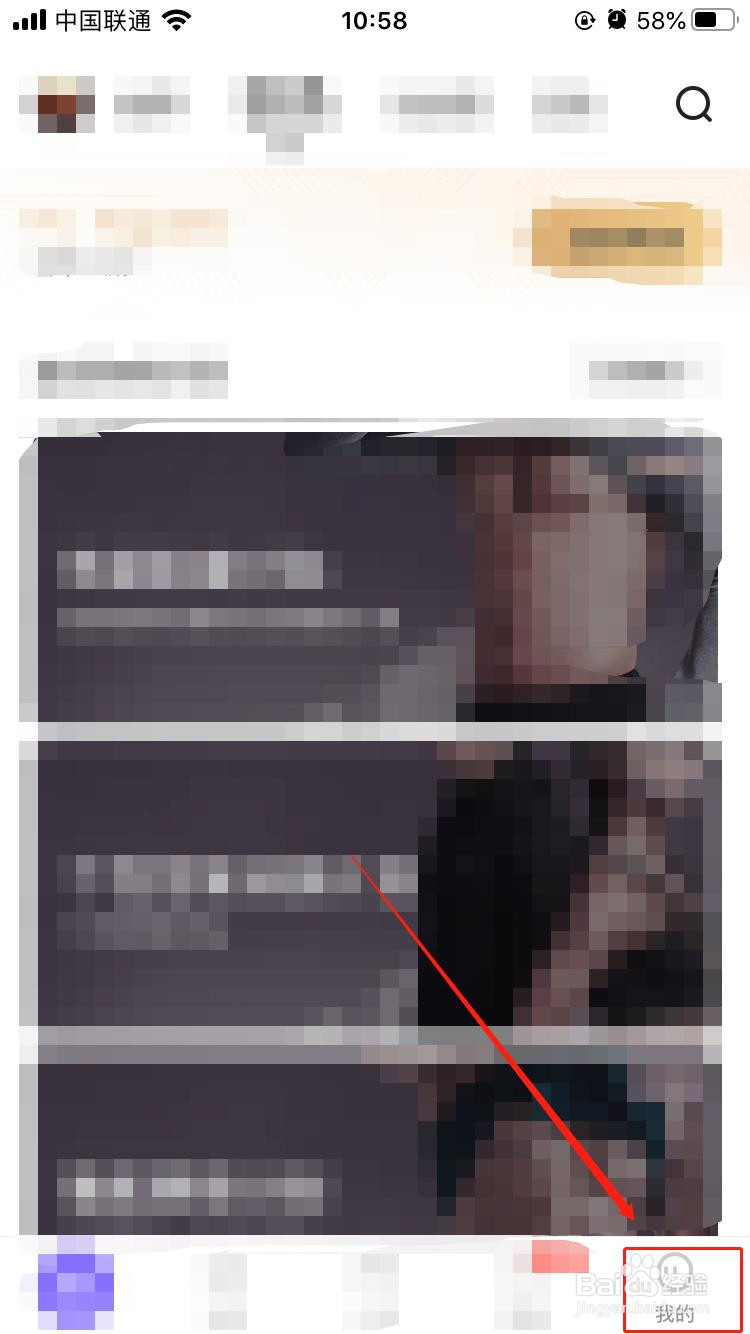
2、2.点击我的
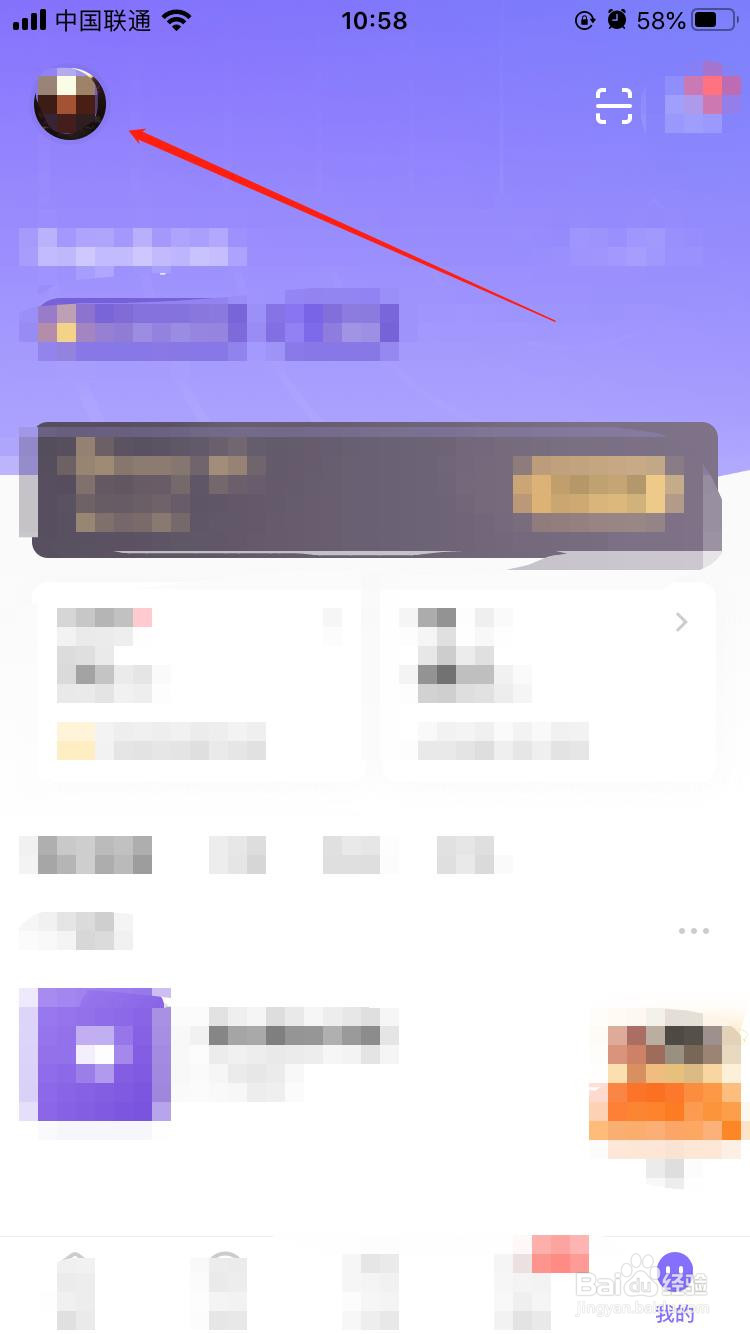
3、3.点击头像
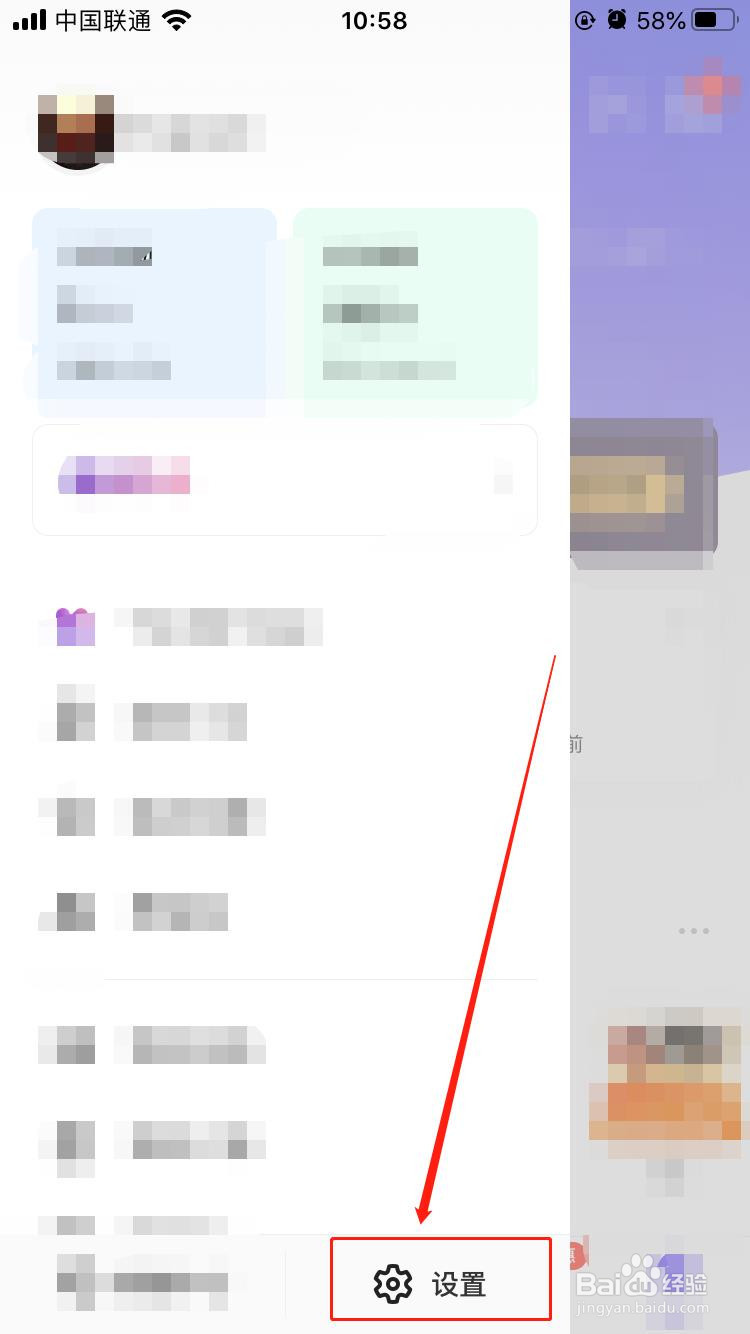
4、4.点击设置
5、5.点击通用设置
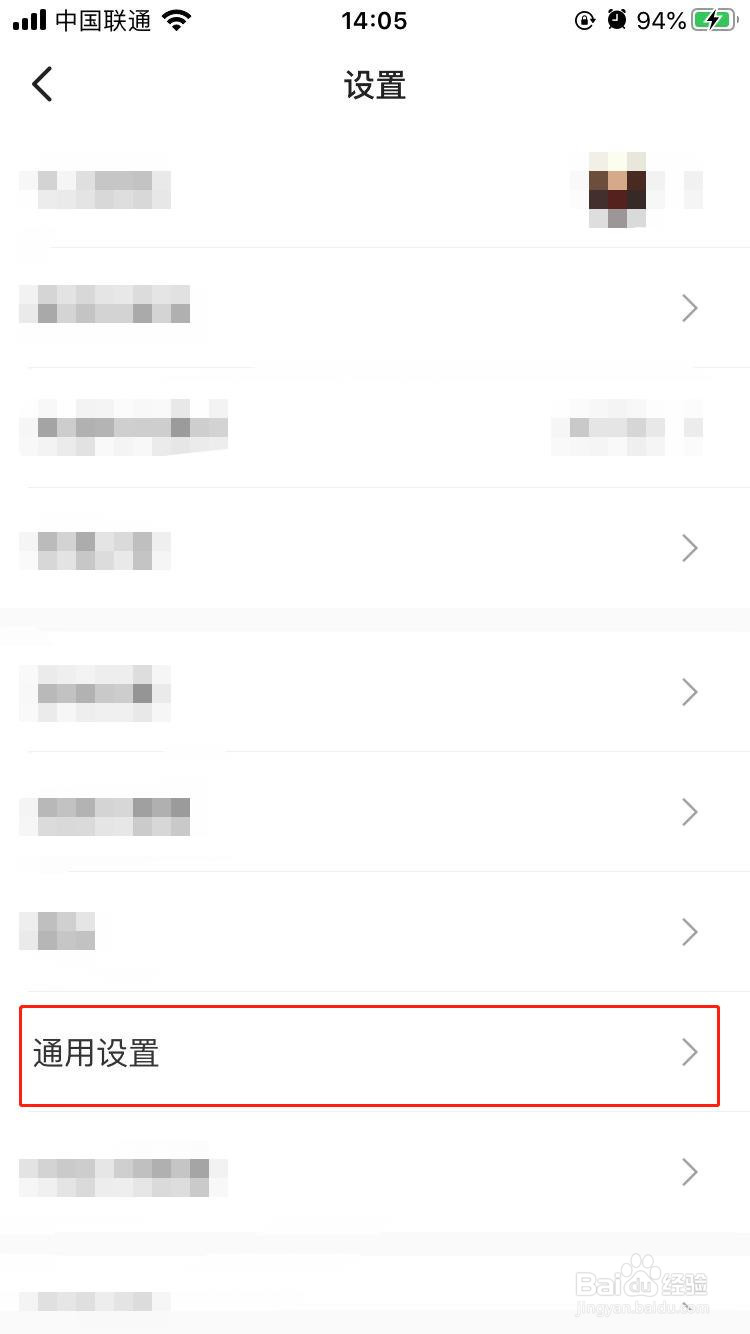
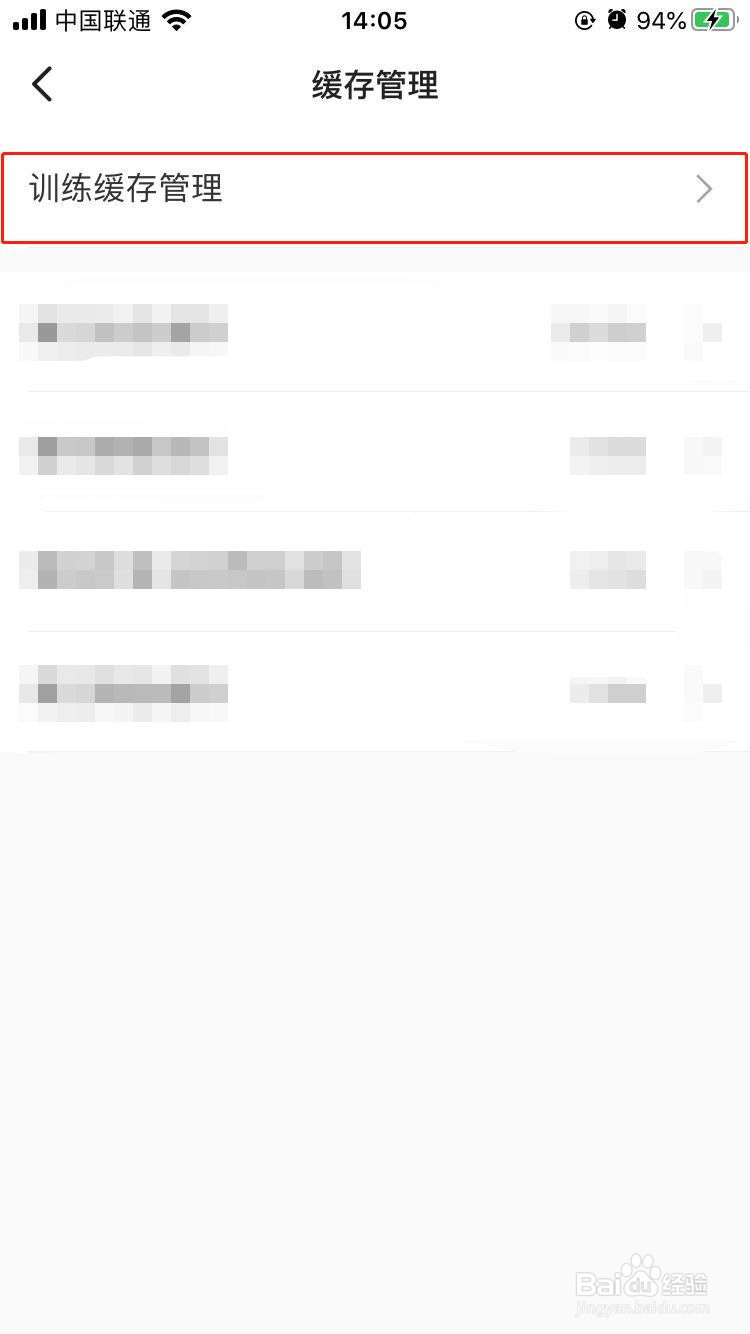
6、6.点击缓存管理

7、7.点击训练缓存管理
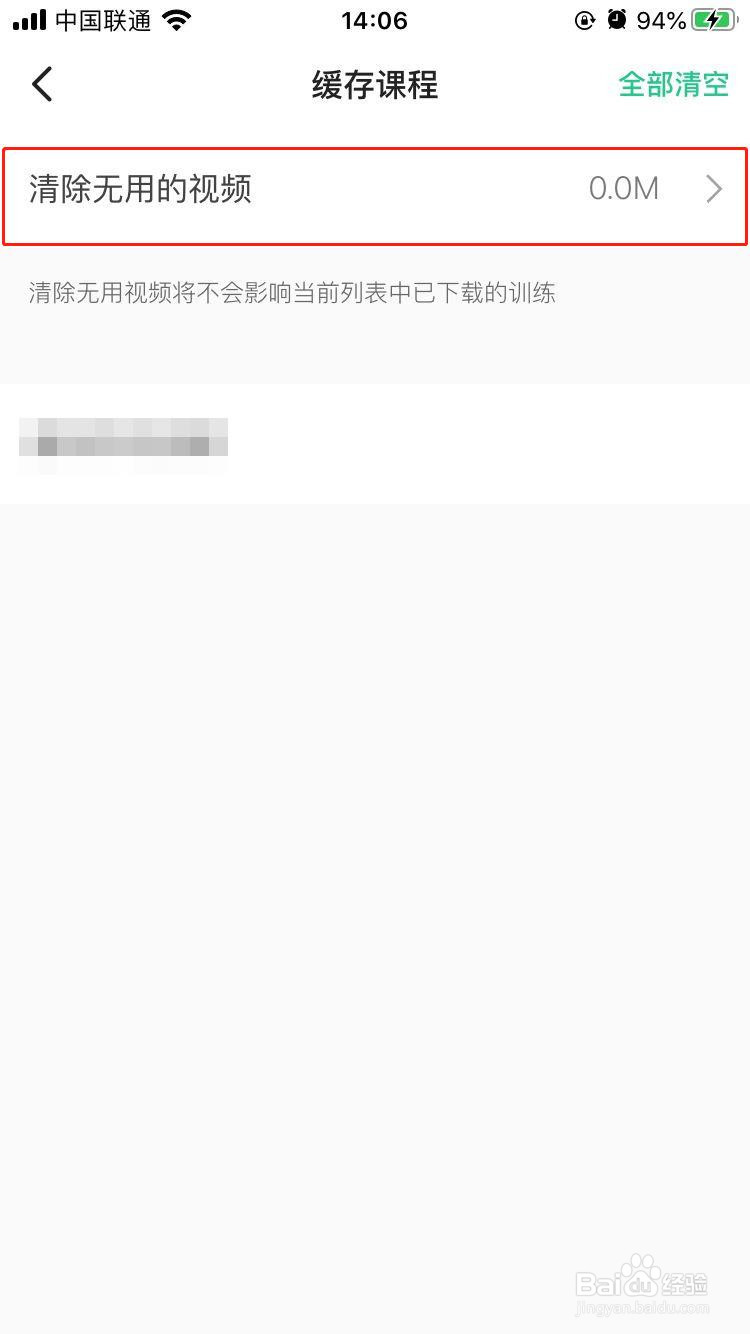
8、8.点击清除无用的视频,这样就将应用上缓存的无用的课程视频清除干净了。
阅读量:170
阅读量:91
阅读量:151
阅读量:77
阅读量:38
1、1.打开Keep
2、2.点击我的
3、3.点击头像
4、4.点击设置
5、5.点击通用设置
6、6.点击缓存管理
7、7.点击训练缓存管理
8、8.点击清除无用的视频,这样就将应用上缓存的无用的课程视频清除干净了。