Windows11如何系统备份
1、进入开始菜单
点击任务栏四宫图。

2、搜索并打开控制面板
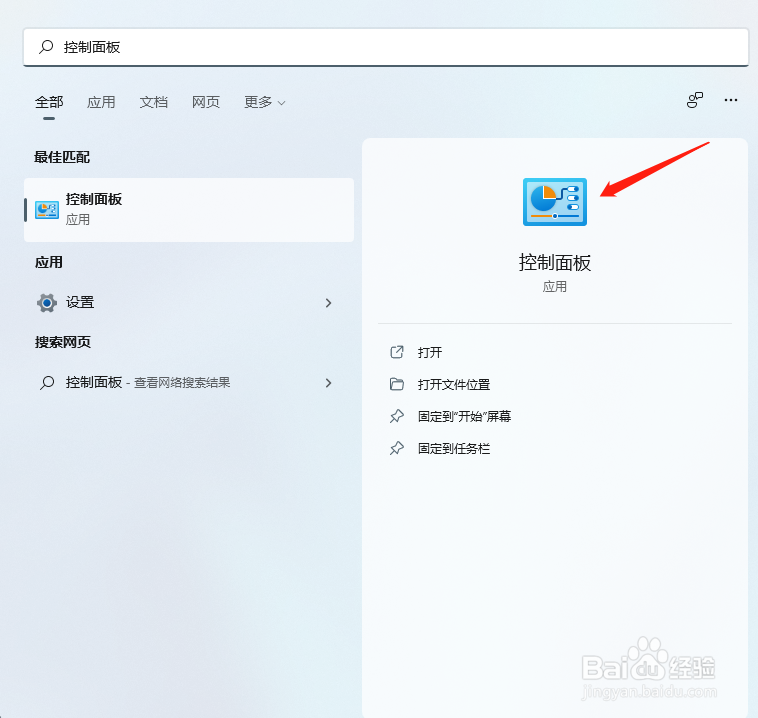
3、进入系统和安全
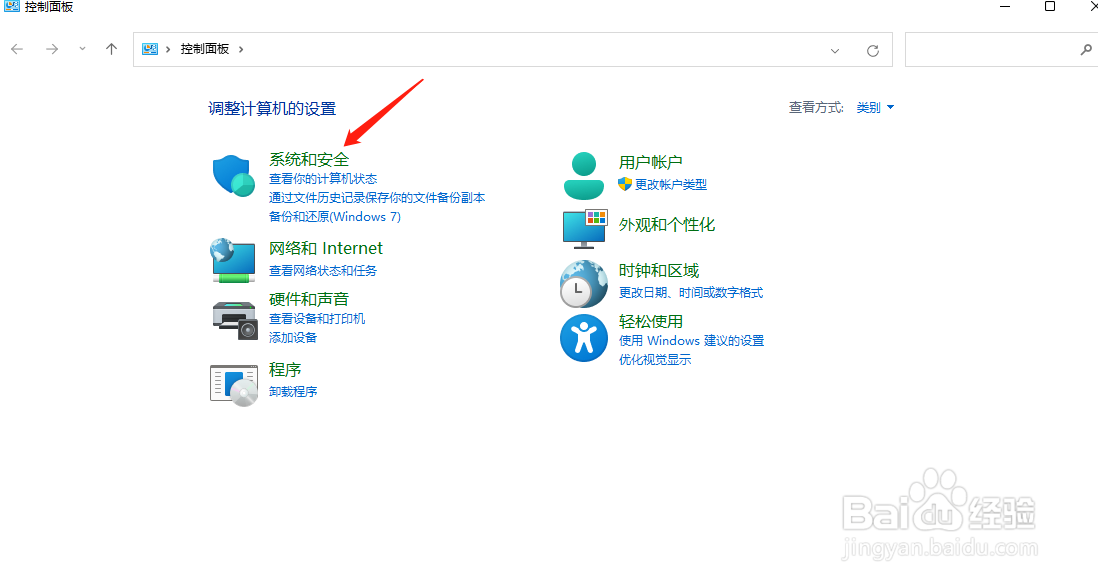
4、进入备份和还原
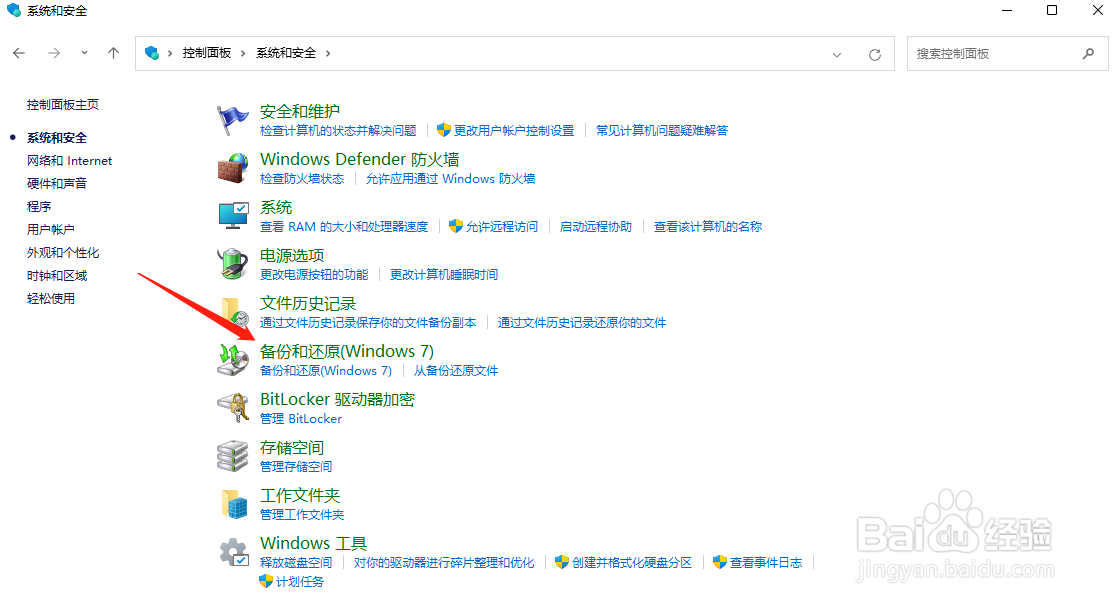
5、进入创建系统映像
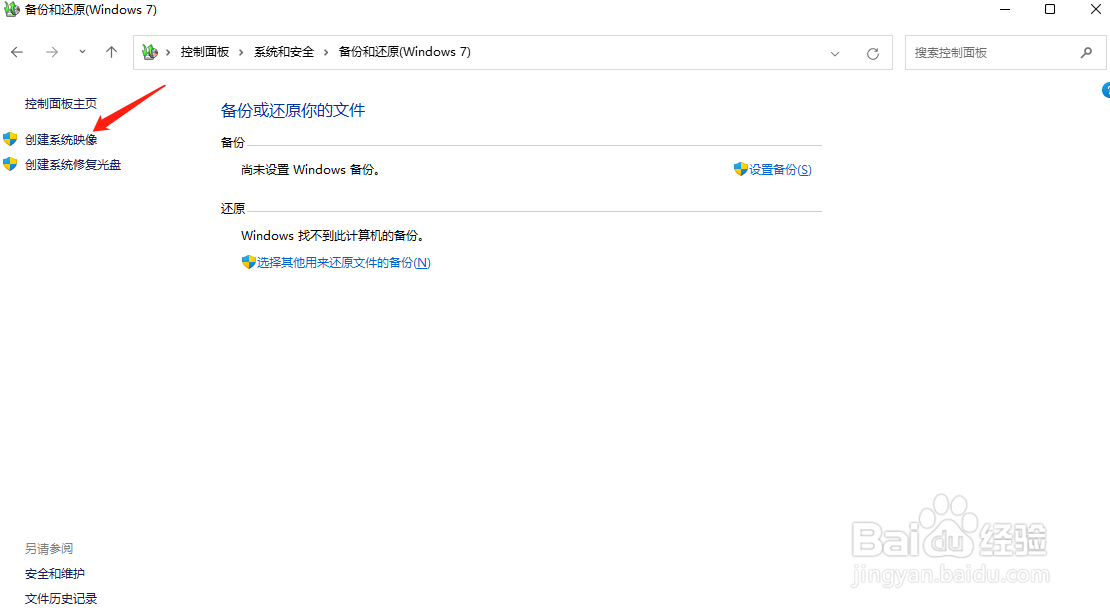
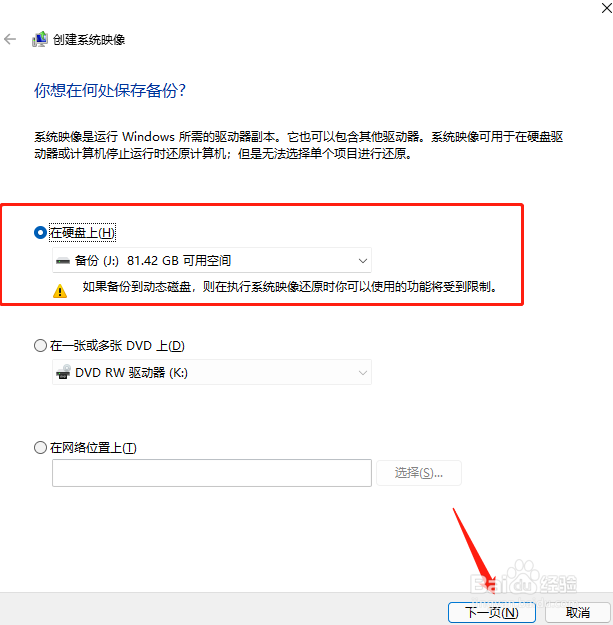
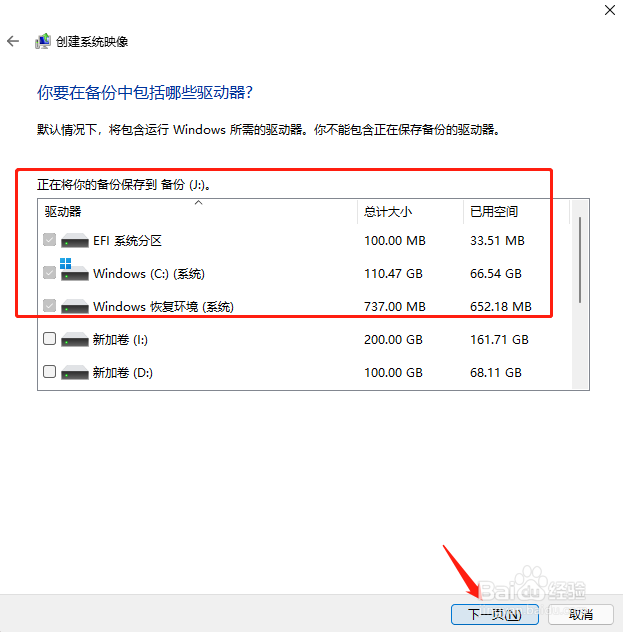
6、选择备份保存位置和备份驱动
选择备份保存位置和备份驱动后,进入下一页。
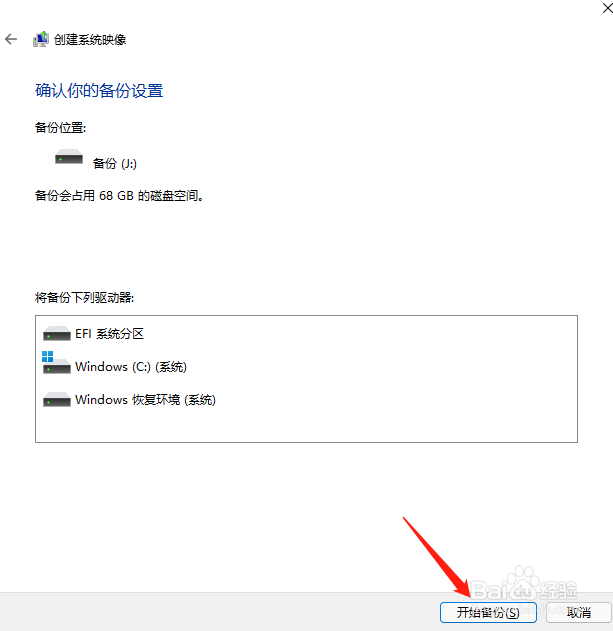
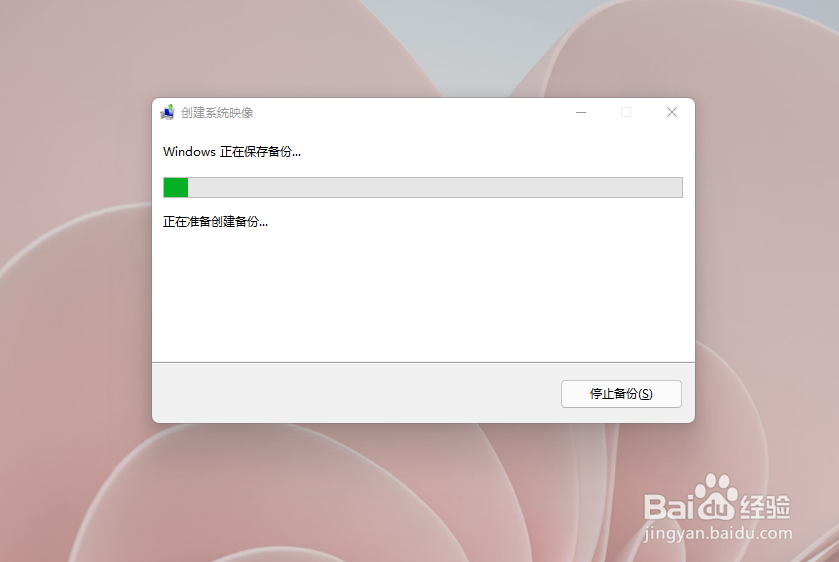
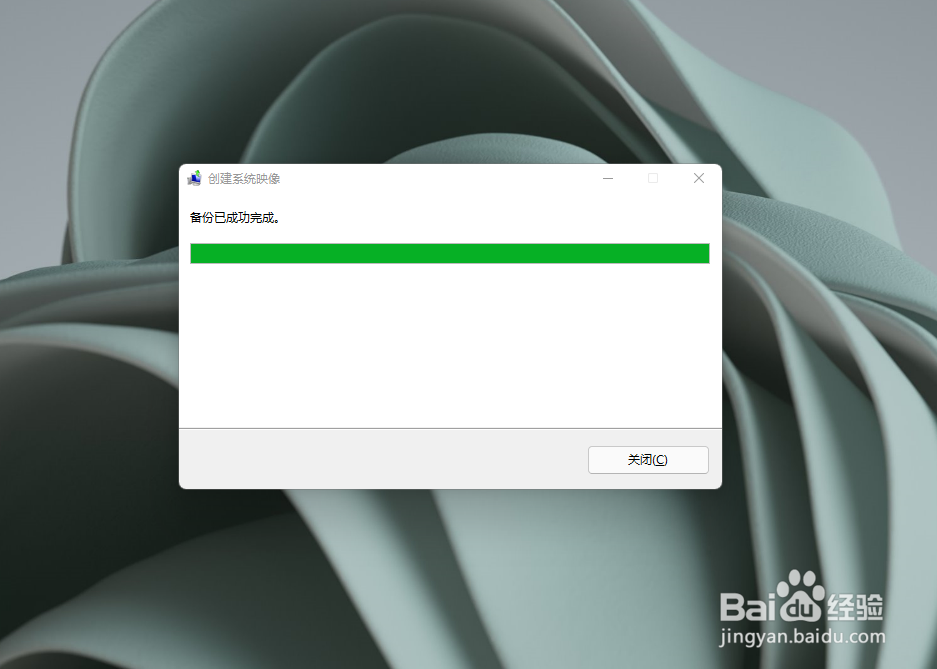
7、系统备份
确认备份设置后,点击开始备份即可。
阅读量:98
阅读量:24
阅读量:79
阅读量:115
阅读量:74
1、进入开始菜单
点击任务栏四宫图。
2、搜索并打开控制面板
3、进入系统和安全
4、进入备份和还原
5、进入创建系统映像
6、选择备份保存位置和备份驱动
选择备份保存位置和备份驱动后,进入下一页。
7、系统备份
确认备份设置后,点击开始备份即可。