小猪生活
首页
美食营养
生活百科
知识问答
生活知识
返回
小猪生活
首页
美食营养
游戏数码
手工爱好
生活知识
生活百科
健康养生
运动户外
职场理财
情感交际
母婴教育
时尚美容
知识问答
更多知识
搜索
钉钉怎么关闭智能待办功能
2026-04-25 08:39:07
1、点击我的
进入钉钉,点击我的。
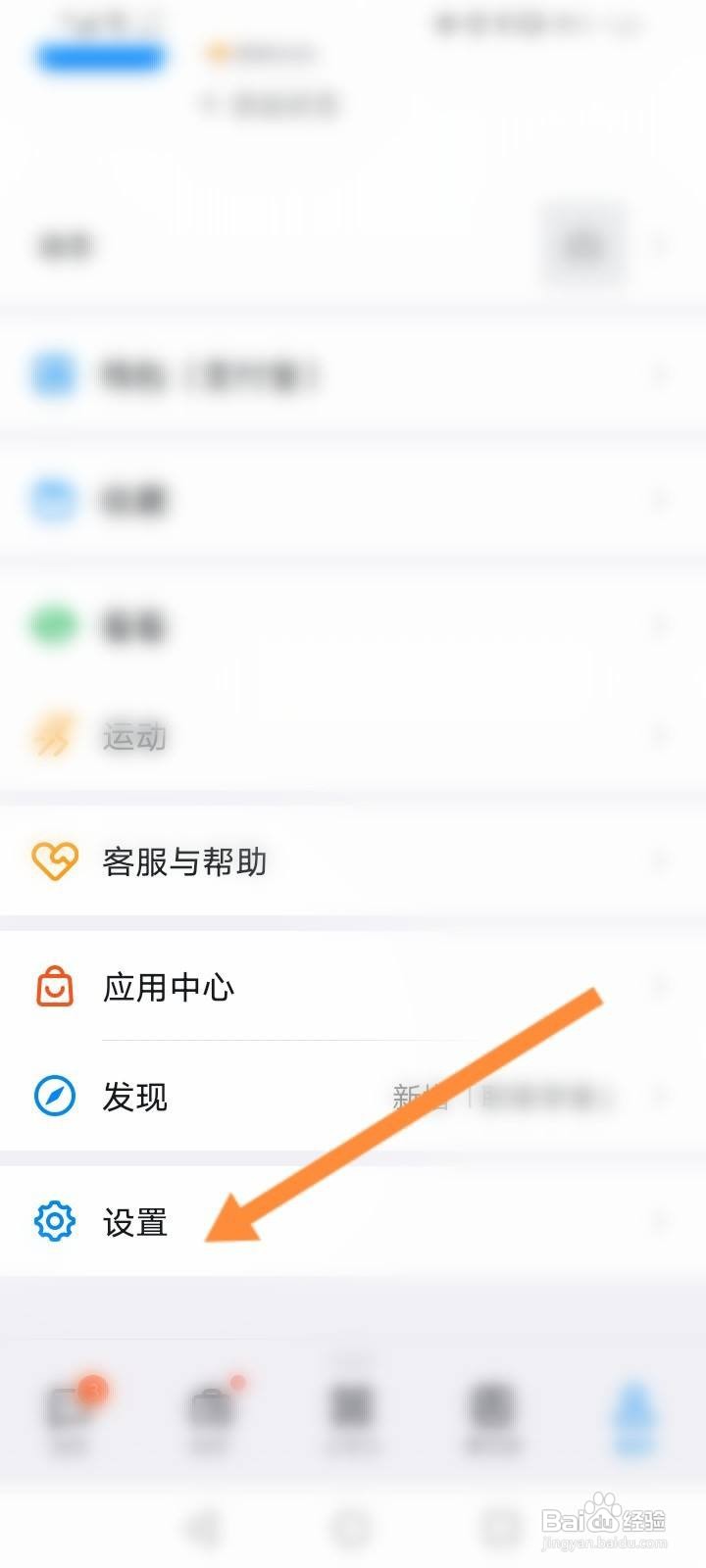
2、点击设置
点击下面的设置选项。
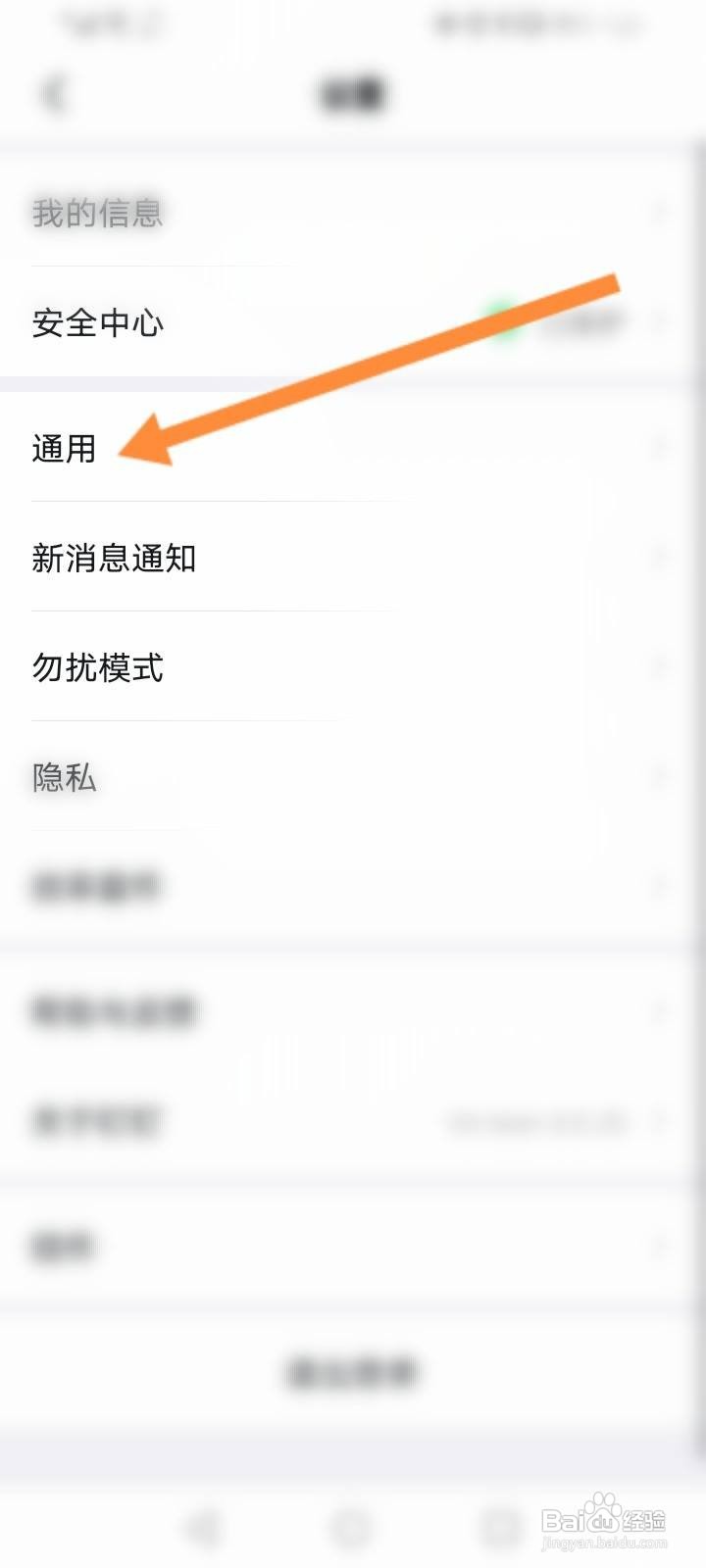
3、点击通用
点击上面的通用。
4、关闭智能待办功能
点击关闭智能待办功能。
相关推荐
钉钉来消息没有声音怎么解决
阅读量:180
钉钉如何开启新消息提醒
阅读量:174
钉钉怎么开启消息提示声音
阅读量:176
钉钉消息提醒在哪里设置
阅读量:139
钉钉没有声音怎么设置
阅读量:125
猜你喜欢
学士服怎么穿图解
生活小常识大全
生活哲理
如何选购二手车
天水生活网
眉粉怎么画
cg是什么意思的
共勉是什么意思
磊科路由器怎么安装
怎么下载英雄联盟游戏
猜你喜欢
cad螺旋线怎么画
陆风x7质量怎么样
母婴生活馆
痰湿体质如何减肥
生活中的财政学
home键是什么意思
次新股怎么买
车生活
do是什么意思
原始股怎么卖