Excel表格如何插入图表
1、首先选择需要变成图表的数据,如图所示;
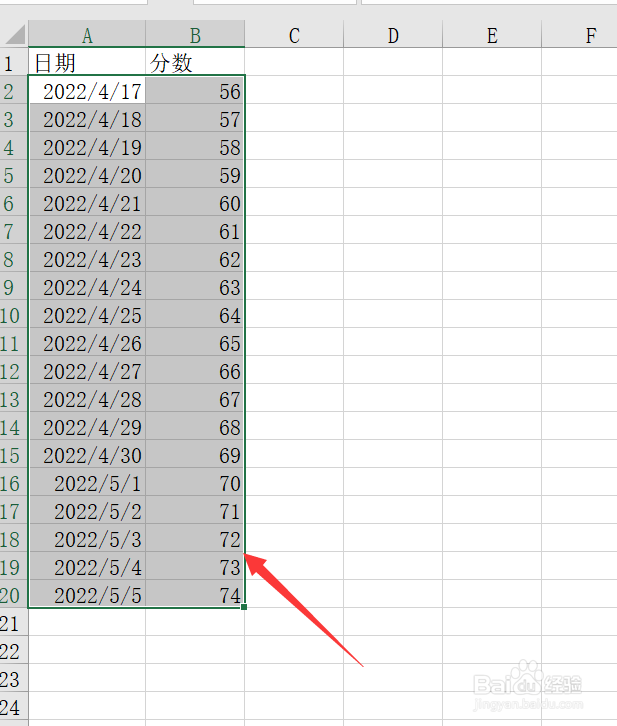
2、找到“插入”点击打开,如图所示;

3、找到“推荐的图表”点击打开,如图所示;

4、返回Excle即可看到插入好的表格,如图所示;

1、先选择“插入——推荐图表——右键点击图表——选择数据”,如图所示;

阅读量:44
阅读量:144
阅读量:24
阅读量:85
阅读量:170
1、首先选择需要变成图表的数据,如图所示;
2、找到“插入”点击打开,如图所示;
3、找到“推荐的图表”点击打开,如图所示;
4、返回Excle即可看到插入好的表格,如图所示;
1、先选择“插入——推荐图表——右键点击图表——选择数据”,如图所示;