excel表格中如何使用时间计算器
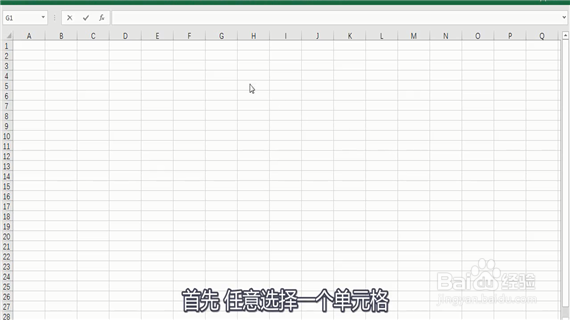
1、 首先任意选择一个单元格。
2、 输入函数“=NOW ()” 按下回车键。

3、然后就出现时间了。

4、如果对时间的格式不满意。

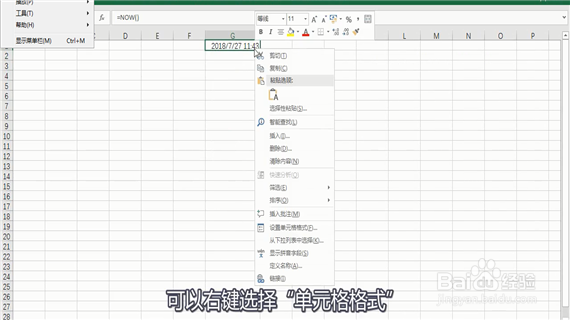
5、 可以右键选择“单元格格式”。
6、然后选择自己满意的格式。

7、例如选择第六个格式。

8、 点击确定,然后格式就更新啦。

阅读量:31
阅读量:108
阅读量:33
阅读量:133
阅读量:58
1、 首先任意选择一个单元格。
2、 输入函数“=NOW ()” 按下回车键。
3、然后就出现时间了。
4、如果对时间的格式不满意。
5、 可以右键选择“单元格格式”。
6、然后选择自己满意的格式。
7、例如选择第六个格式。
8、 点击确定,然后格式就更新啦。