Keep有新粉丝时怎么开启或关闭通知推送
1、点击“Keep”。
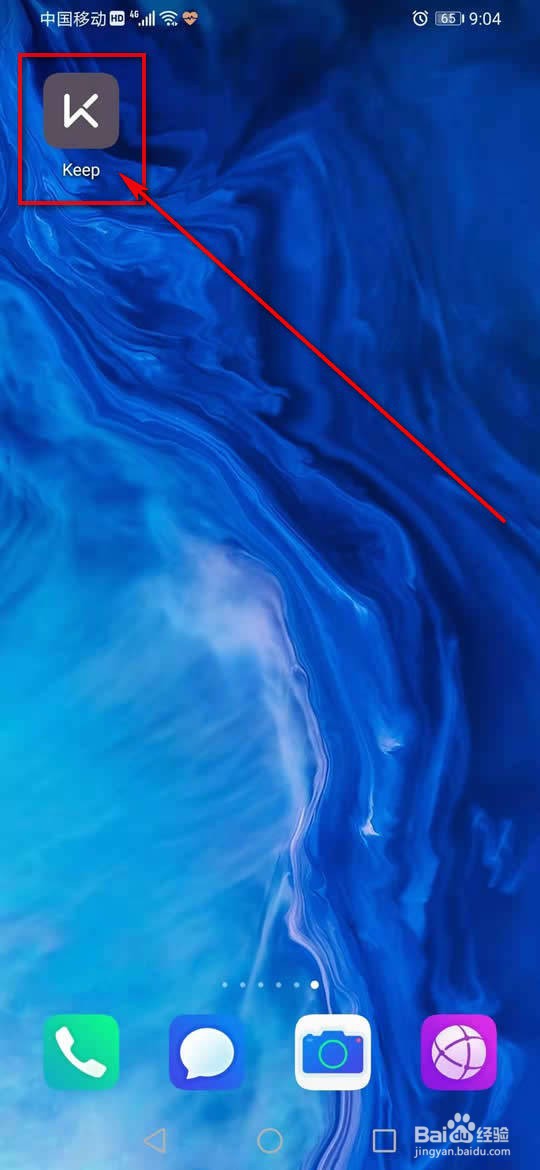
2、点击左上角的“≡”图标。
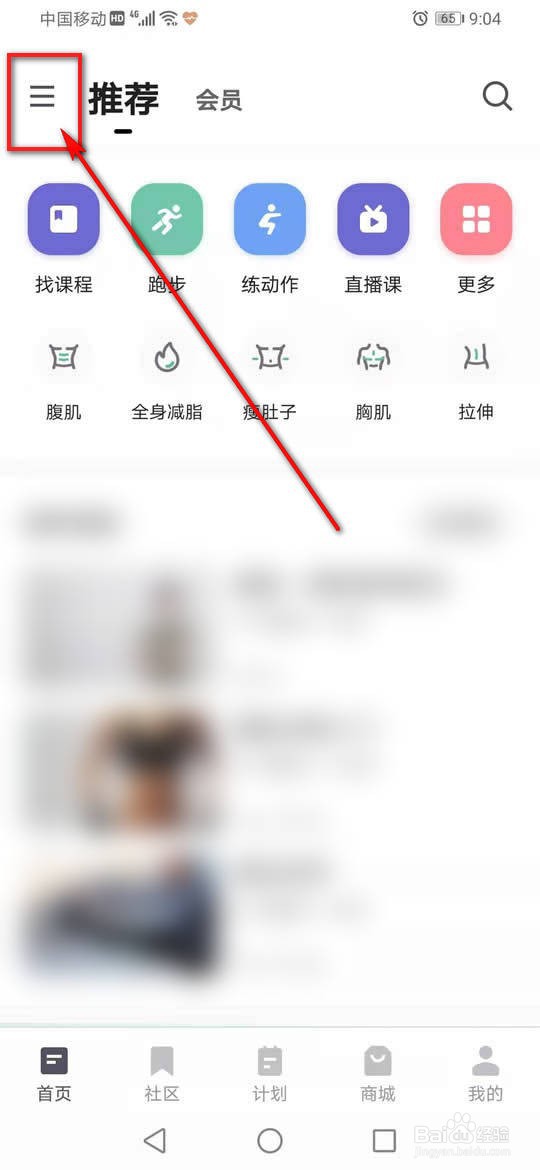
3、点击“设置”。
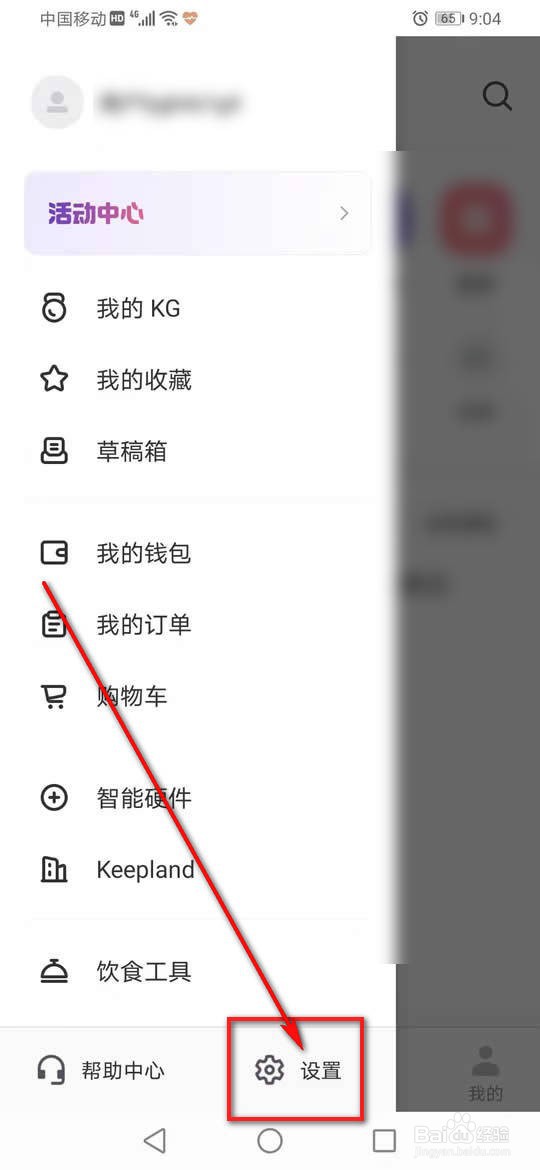
4、点击“消息与提醒”。
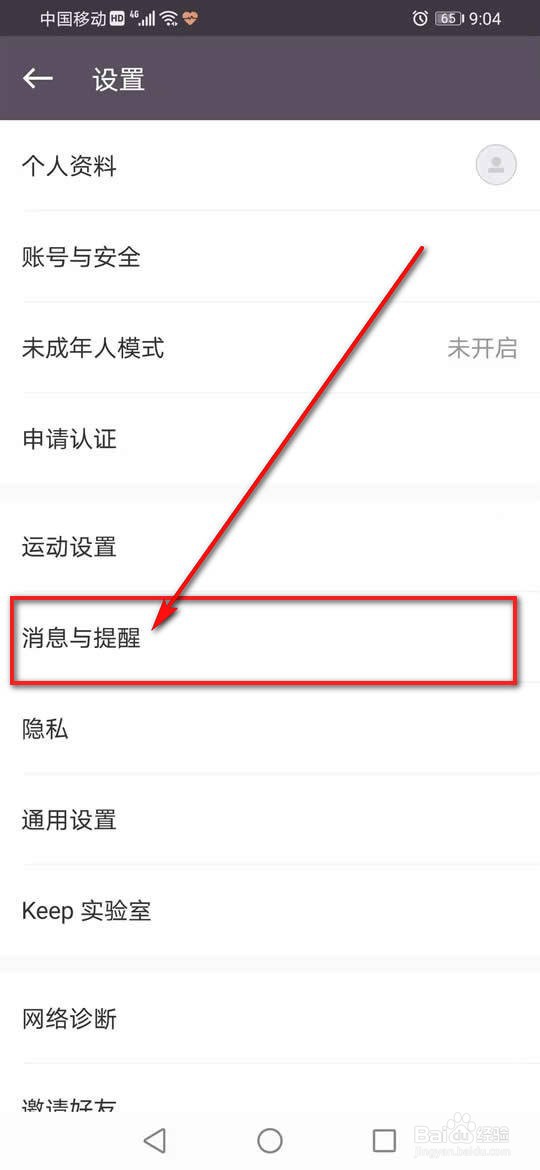
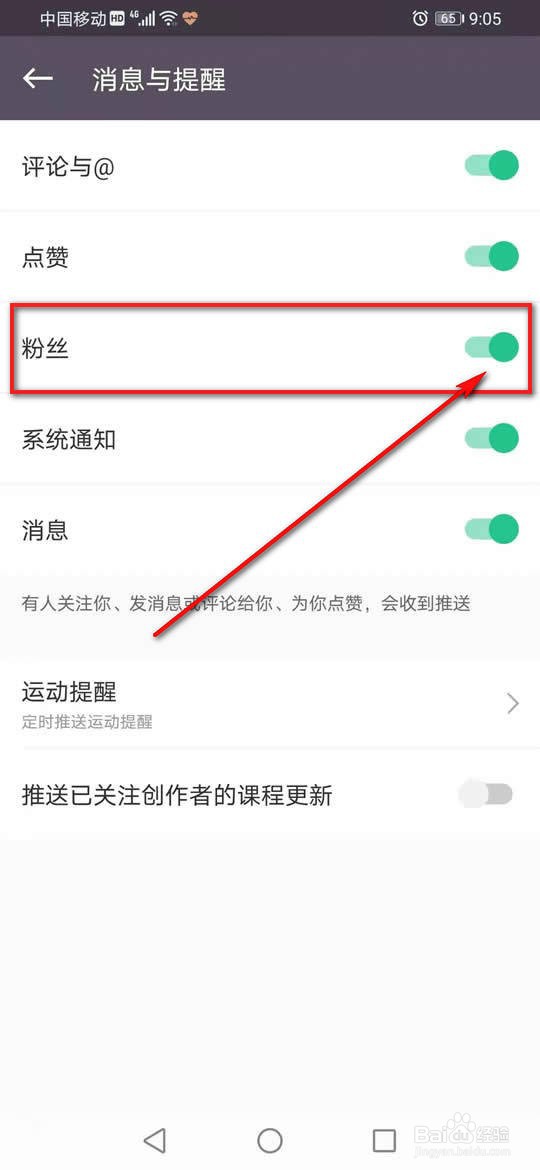
5、将“粉丝”旁的小滑块点亮即可开启通知推送。
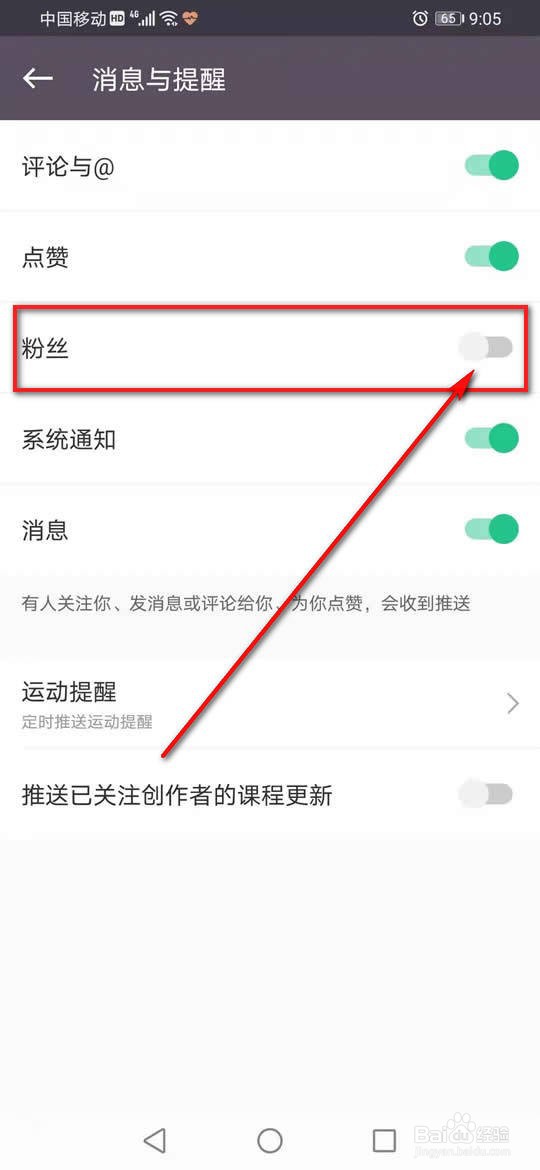
6、将“粉丝”旁的小滑块点暗即可关闭通知推送。
阅读量:155
阅读量:44
阅读量:75
阅读量:136
阅读量:70
1、点击“Keep”。
2、点击左上角的“≡”图标。
3、点击“设置”。
4、点击“消息与提醒”。
5、将“粉丝”旁的小滑块点亮即可开启通知推送。
6、将“粉丝”旁的小滑块点暗即可关闭通知推送。