Windows如何远程桌面连接mstsc
1、打开运行搜索regedit。

2、找到路径依次展开找到System。

3、添加CredSSP Parameters。

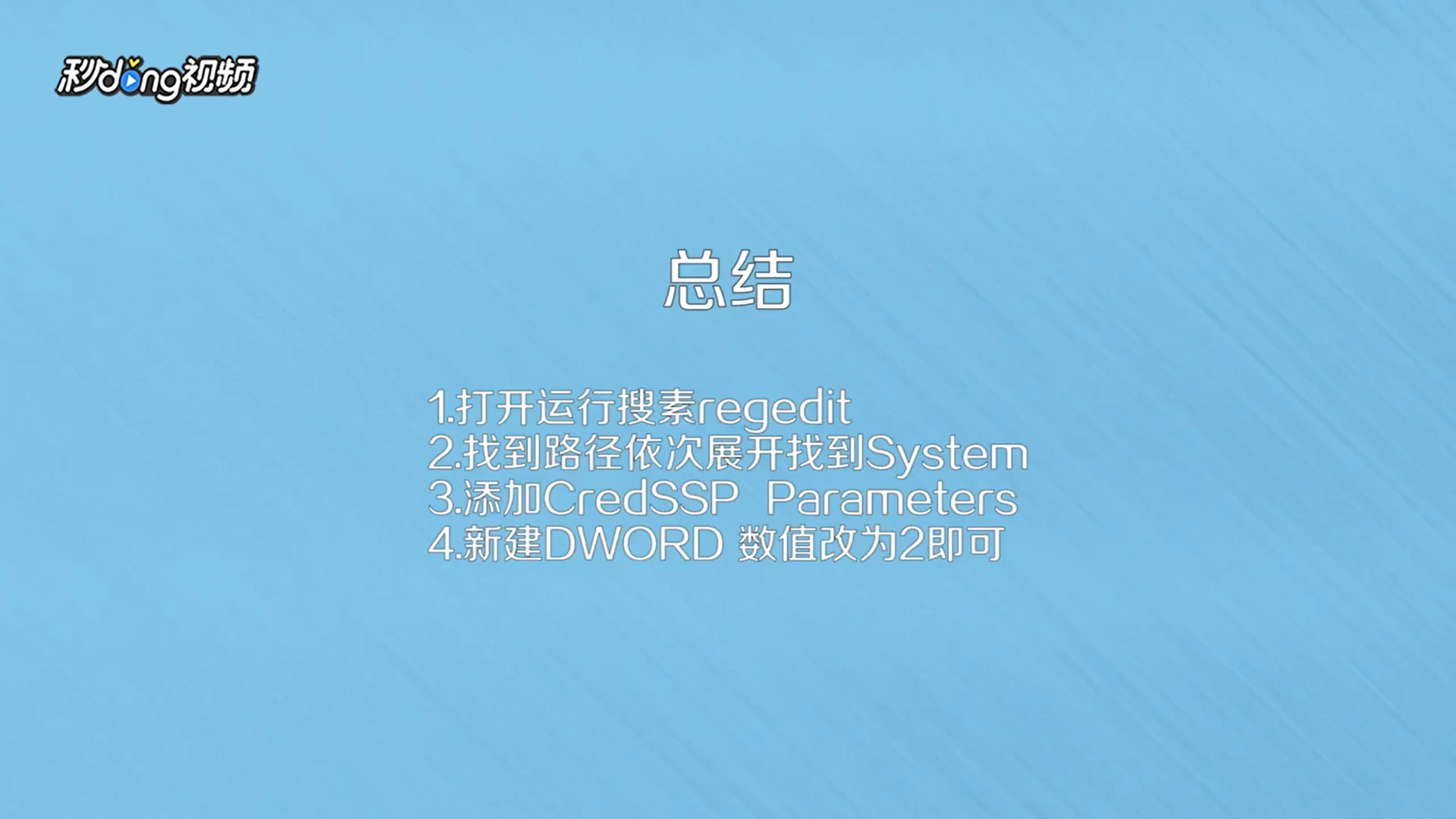
4、新建DWORD,名字改为Allow Encryption Oracle,数值改为2即可。

5、总结如下。
阅读量:56
阅读量:156
阅读量:181
阅读量:42
阅读量:165
1、打开运行搜索regedit。
2、找到路径依次展开找到System。
3、添加CredSSP Parameters。
4、新建DWORD,名字改为Allow Encryption Oracle,数值改为2即可。
5、总结如下。