excel数据验证自定义公式怎样设置?
1、首先打开excel表格。

2、然后点击顶部的数据菜单选项。

3、点击数据验证。

4、在弹出的对话框中允许设置为自定义。
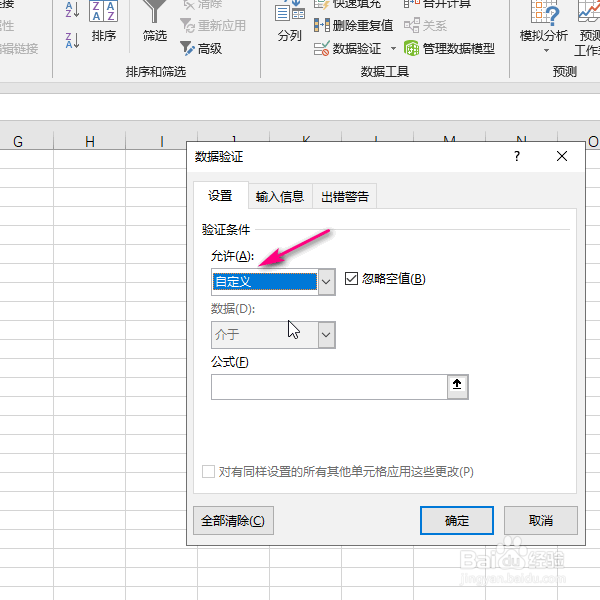
5、然后再公式里面填入相应的公式。

6、然后点击确定。

7、这时候我们在单元格中输入与定义的条件不符合时就会报错!

阅读量:103
阅读量:166
阅读量:163
阅读量:120
阅读量:54
1、首先打开excel表格。
2、然后点击顶部的数据菜单选项。
3、点击数据验证。
4、在弹出的对话框中允许设置为自定义。
5、然后再公式里面填入相应的公式。
6、然后点击确定。
7、这时候我们在单元格中输入与定义的条件不符合时就会报错!