Excel中怎么插入仙人掌3D模型
1、打开Excel文档,点击【插入】,选择【3D模型】

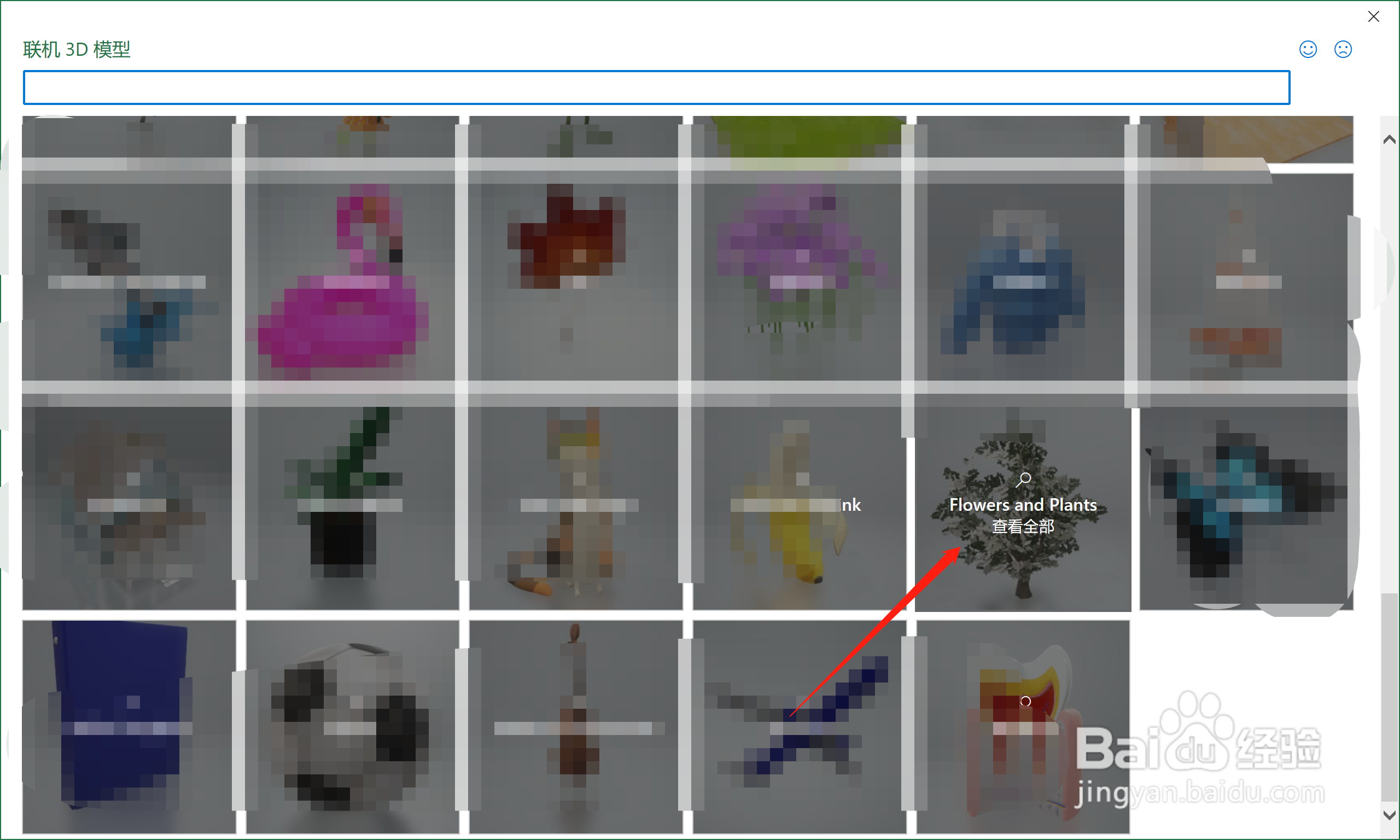
2、在【联机3D模型】中,找到【Flowers and Plants】,点击进入
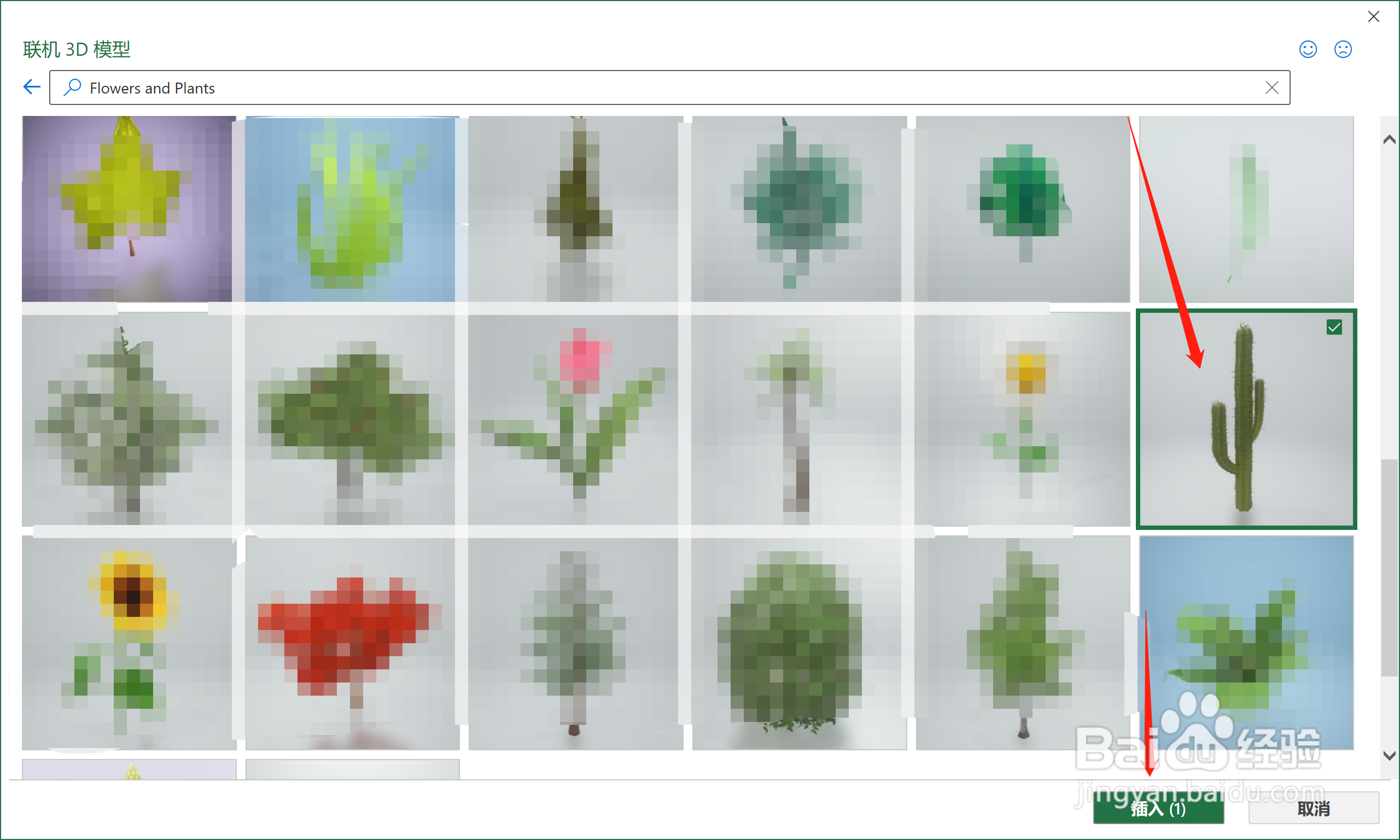
3、找到【仙人掌】,点击【插入】
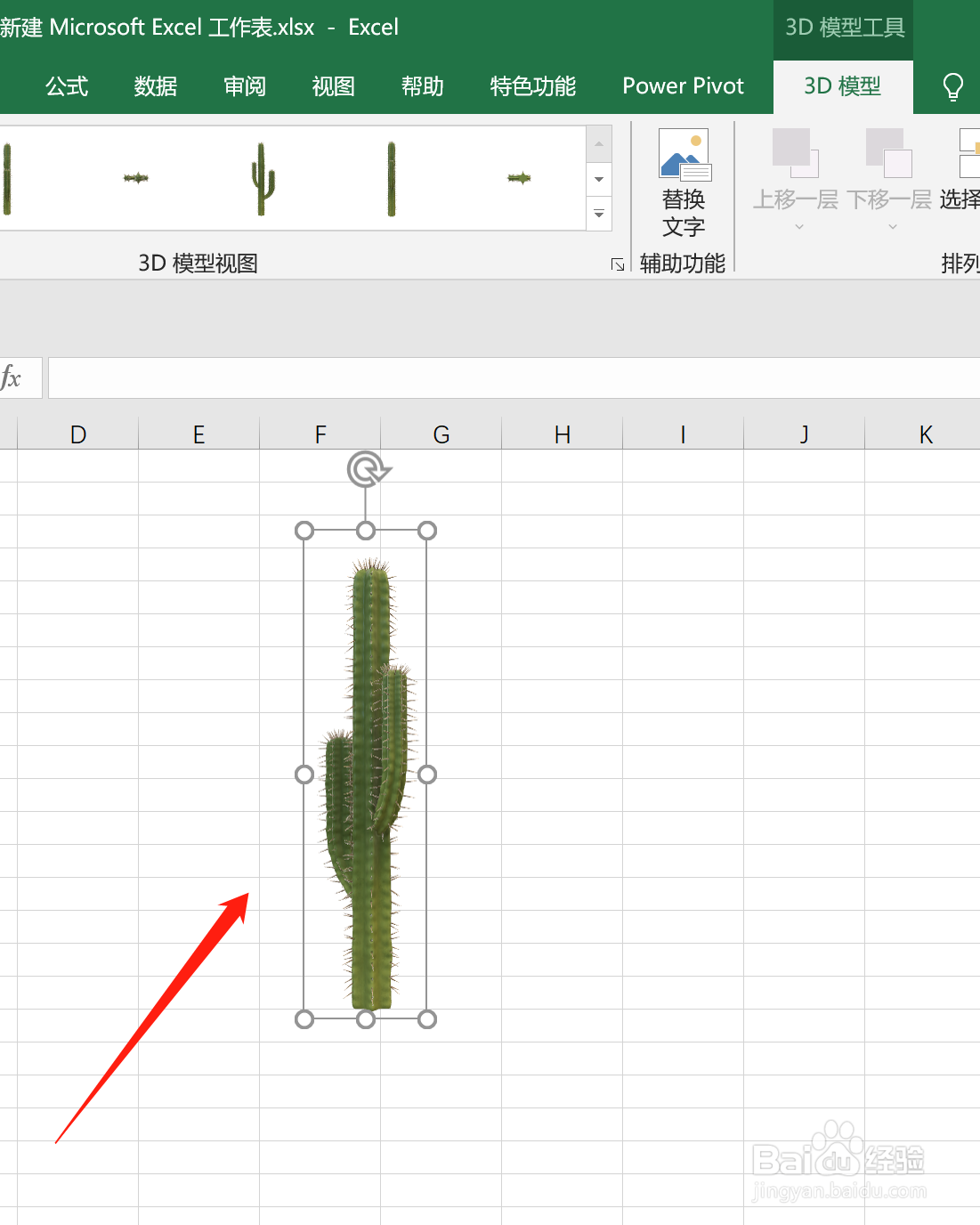
4、即可在Excel页面插入【仙人掌3D模型】
阅读量:162
阅读量:163
阅读量:149
阅读量:68
阅读量:94
1、打开Excel文档,点击【插入】,选择【3D模型】
2、在【联机3D模型】中,找到【Flowers and Plants】,点击进入
3、找到【仙人掌】,点击【插入】
4、即可在Excel页面插入【仙人掌3D模型】