Excel表格快速添加单位
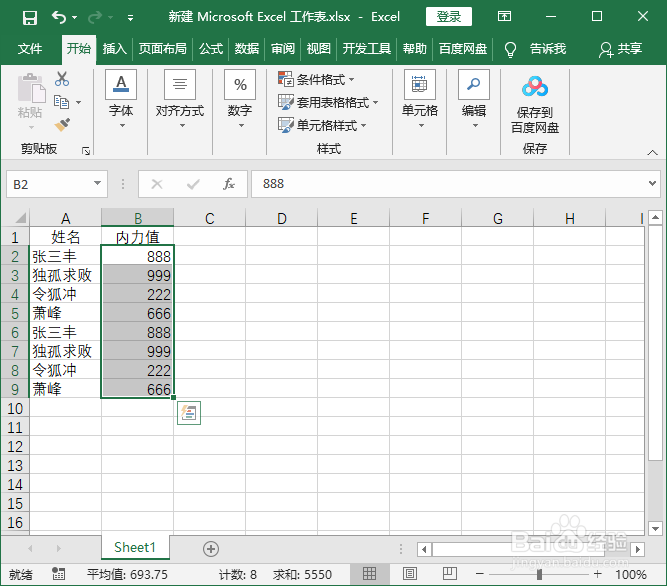
1、新建表格,填充数据;

2、选中要添加单位的数据;
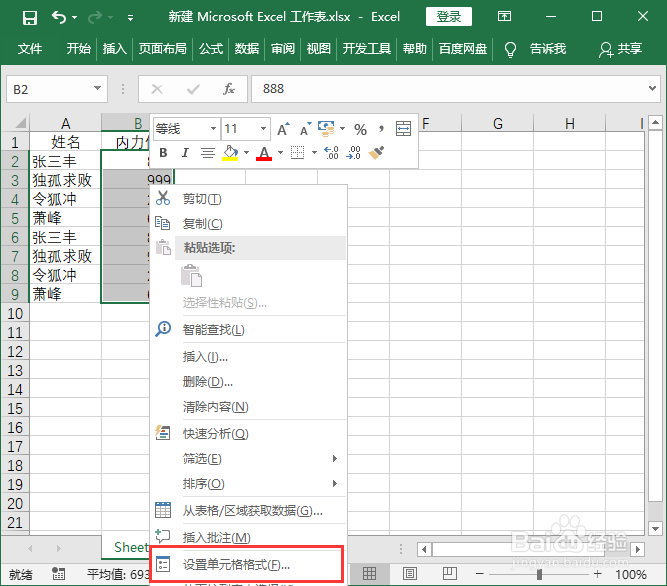
3、鼠标右键“设置单元格格式”;
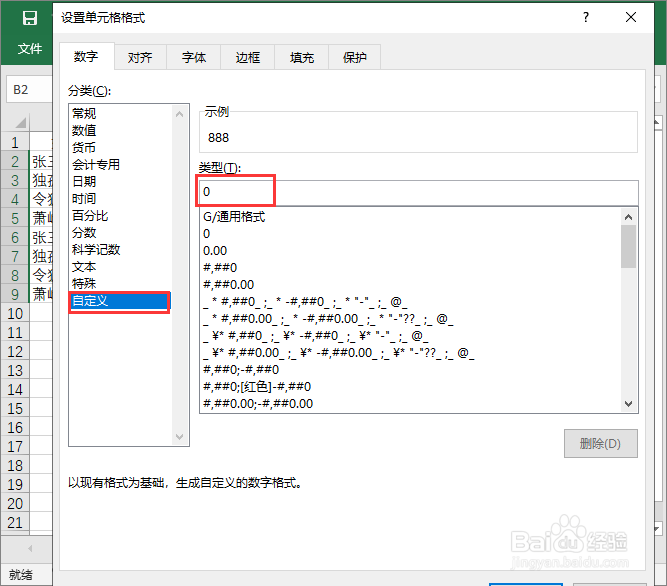
4、点击选择“自定义”,选择“0”;
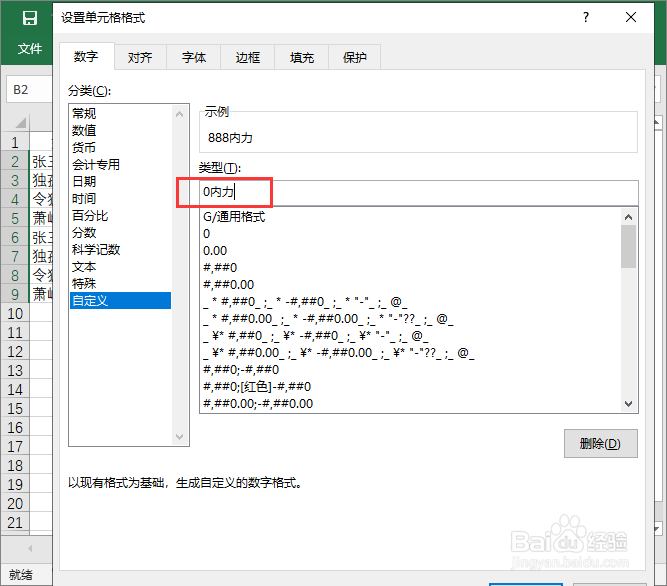
5、在“0”后面输入您想要的单位,点击“确定”;
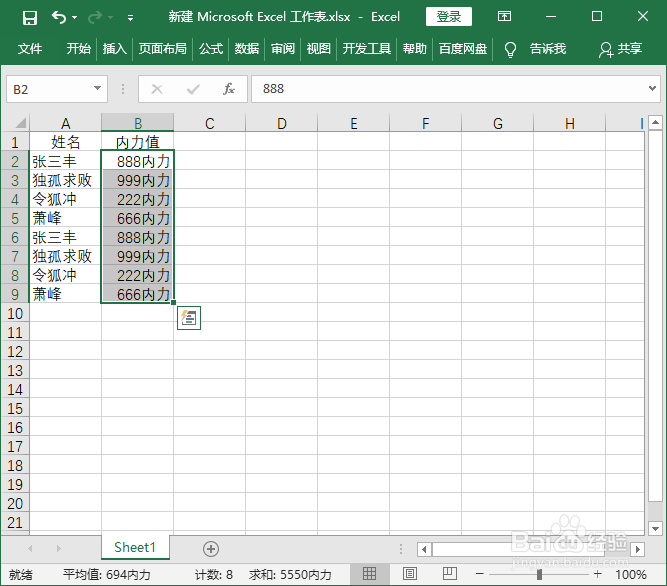
6、这样所选表格数据就添加上单位了。
阅读量:159
阅读量:136
阅读量:61
阅读量:74
阅读量:39
1、新建表格,填充数据;
2、选中要添加单位的数据;
3、鼠标右键“设置单元格格式”;
4、点击选择“自定义”,选择“0”;
5、在“0”后面输入您想要的单位,点击“确定”;
6、这样所选表格数据就添加上单位了。