怎么在word中插入空白封面?
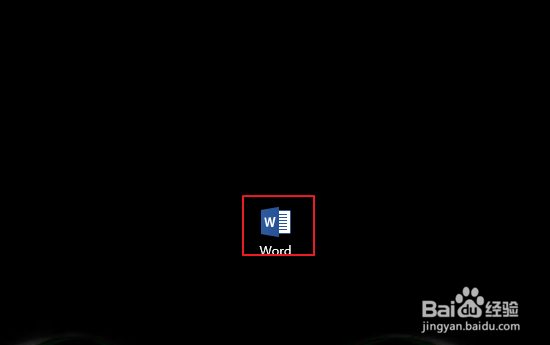
1、打开word文档软件。
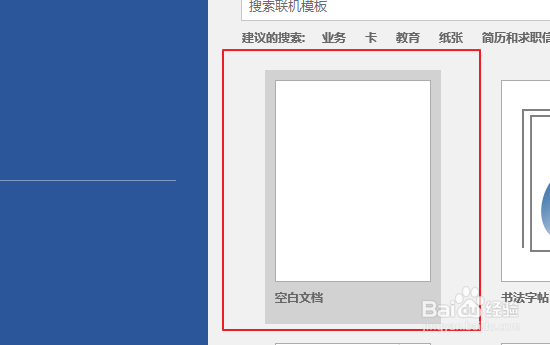
2、新建文档或者打开需要插入空白封面的文档。
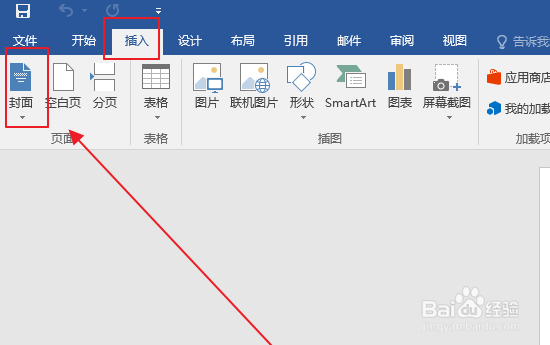
3、进入主界面点击上方的插入选项卡,点击封面按钮。
4、选择一个内置封面。

5、选择插入的封面所有附带图例,按delete选择删除。

6、空白封面设置完成。

阅读量:49
阅读量:133
阅读量:151
阅读量:165
阅读量:54
1、打开word文档软件。
2、新建文档或者打开需要插入空白封面的文档。
3、进入主界面点击上方的插入选项卡,点击封面按钮。
4、选择一个内置封面。
5、选择插入的封面所有附带图例,按delete选择删除。
6、空白封面设置完成。