Inventor 在装配体中快速选择零件
1、用Inventor打开一个装配体
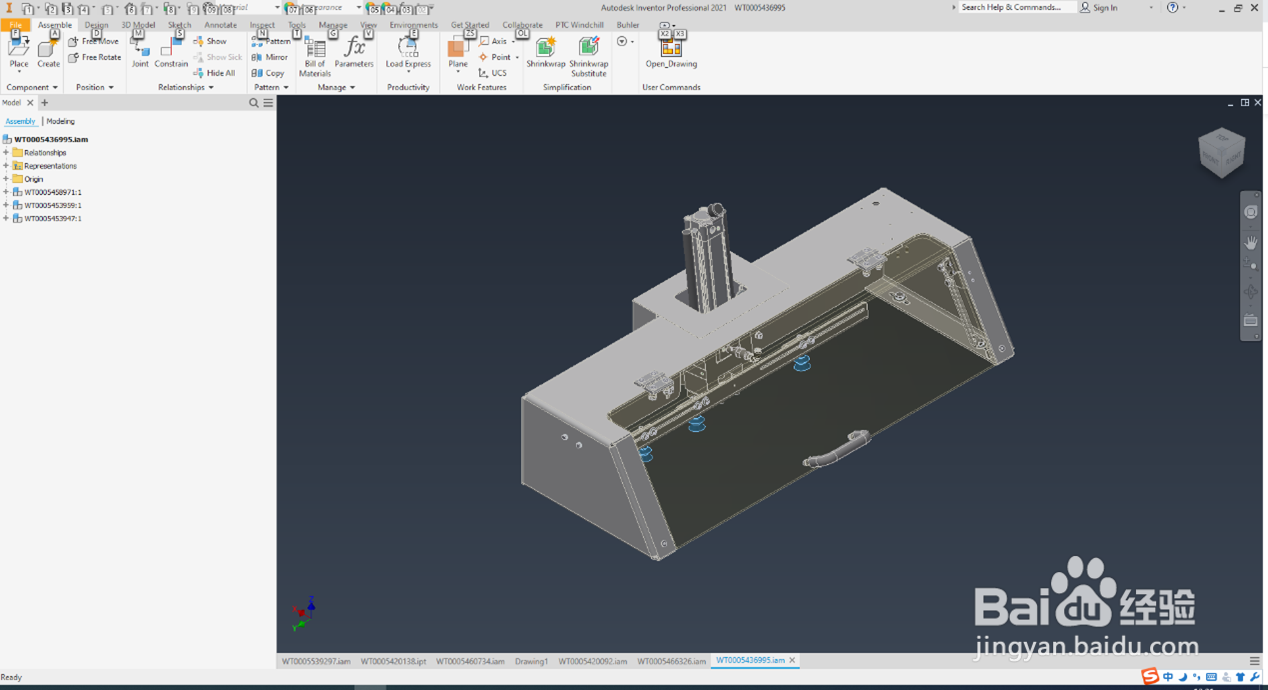
2、在最上方工具里找到对应功能
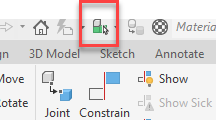
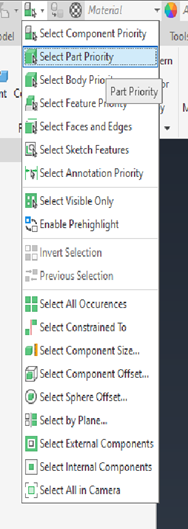
3、点击下拉箭头,选择Select Part Priority,此时就可以对你需要的零件进行操作了
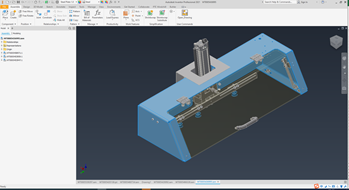
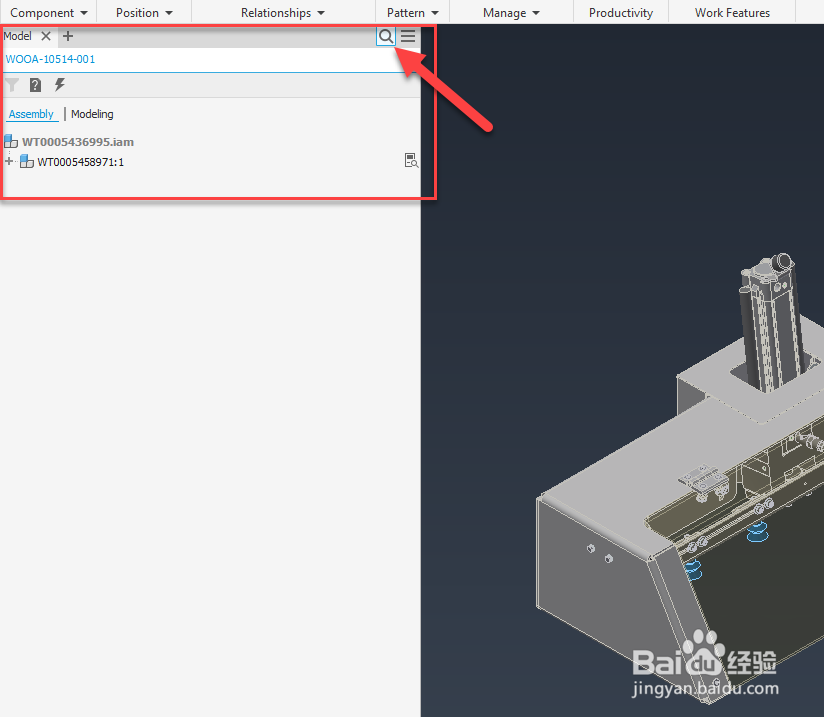
1、如果已知零件图号的话,可以直接通过搜索栏找到对应的零件进行操作
阅读量:177
阅读量:104
阅读量:89
阅读量:167
阅读量:88
1、用Inventor打开一个装配体
2、在最上方工具里找到对应功能
3、点击下拉箭头,选择Select Part Priority,此时就可以对你需要的零件进行操作了
1、如果已知零件图号的话,可以直接通过搜索栏找到对应的零件进行操作